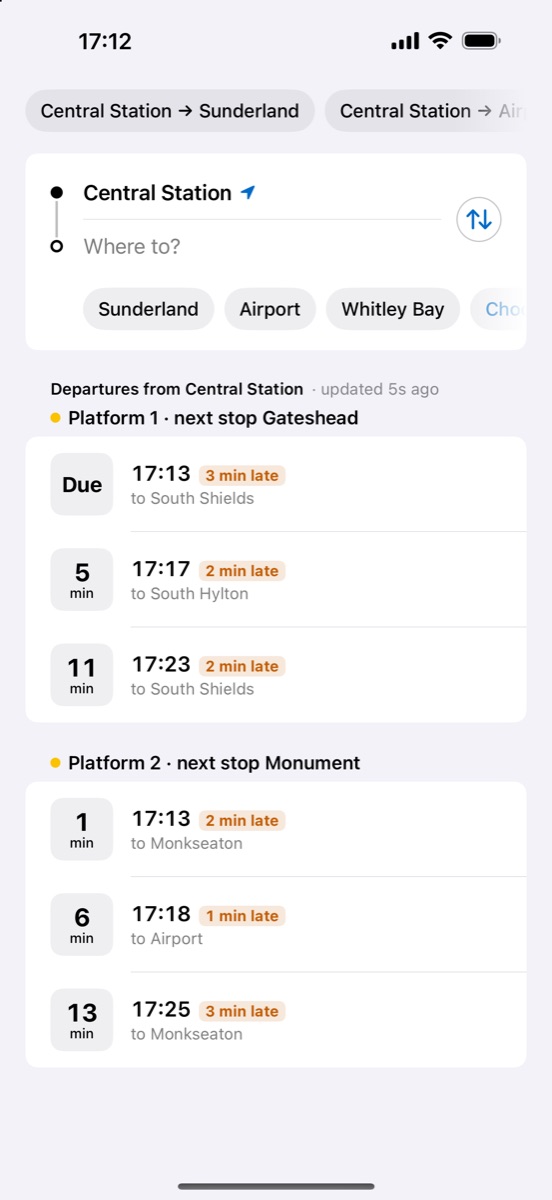
Every train from your station.
Open the app and your nearest station's departures are there, on every platform, updated as they run.
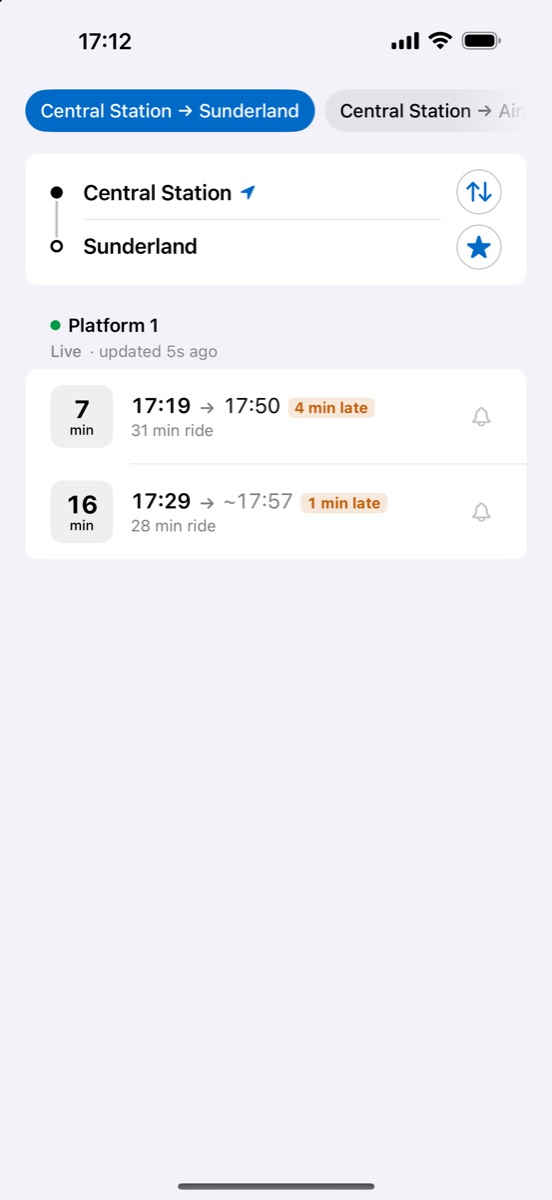
When you leave. When you arrive.
Pick where you're going to see each train's arrival time and how long the ride takes.
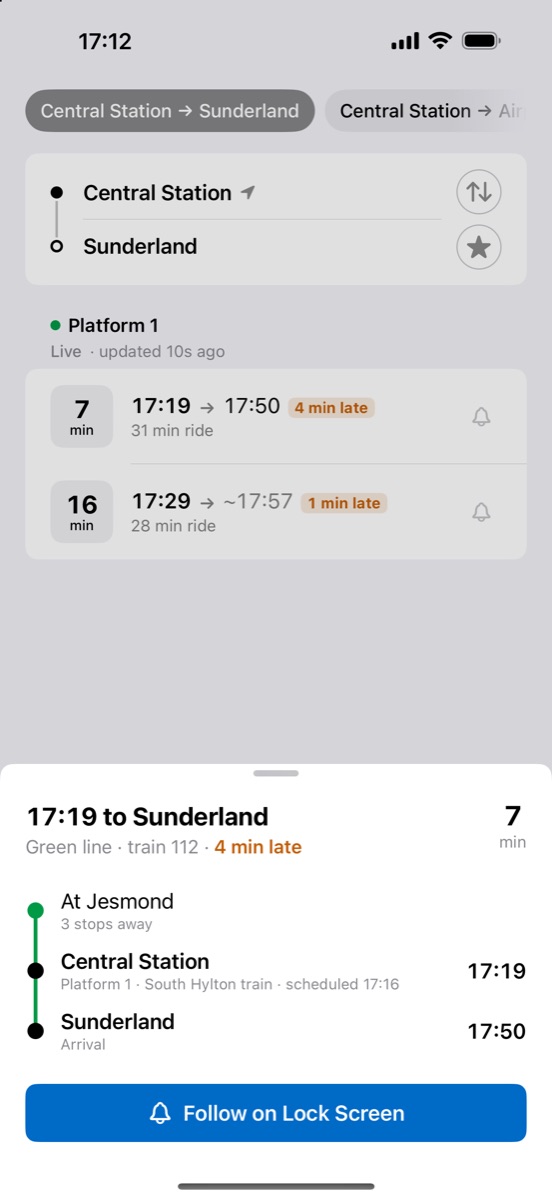
Know where your train is right now.
Tap the bell and the countdown stays on your Lock Screen and in the Dynamic Island, with where the train is.
Without opening the app.
Widgets
Your saved journeys on the Home Screen and Lock Screen.
Siri
Ask "Next Metro train" for your next departure.
Private
No account, no ads, no tracking. Nothing about you leaves your phone.
Questions
Why do some arrival times say "est."?
Live arrival times are only published for a station's next few trains, so for longer journeys Metro Track estimates the arrival until the live time is available.
Why does it ask for my location?
To pick your nearest station, and to keep a followed train's countdown up to date. Your location never leaves your phone, and you can choose stations by hand instead.
How do I add the widget?
Save a journey with the star, then touch and hold your Home Screen or Lock Screen, tap Edit, and add Metro Track.
A train I can see on the platform isn't listed.
Metro Track shows the times published for each platform, which cover the next few trains. Times can change at short notice, so check the station screens if you're unsure.